




Three steps. That’s it.
No long forms, no surprises, no hidden fees.
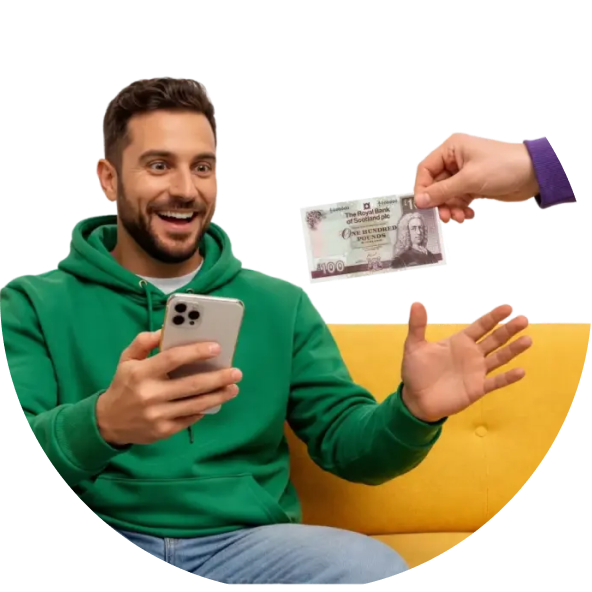
Get your quote
a few easy questions to see your price instantly.
Avg quote in 47 seconds
Ship your device
Drop off across 10,000 drop-off points, or request a home pickup.
10,000 drop-off locations
Get paid in 48 business hours
1000+ customers paid this month

Your Trusted Trade-In Partner
-
Global Partner Of Amazon
-
100% Data Wipe Guarantee
-
Seamless Bank Transfers
-
Free Shipping & Returns
-
24 x 7 support


What Our Users Say

Simple process to follow and wonderful customer service. And a good trade-in price for my old iphone, quickly transferred to my bank account. Very satisfied with the whole experience.
February 20, 2026
Chris Walter
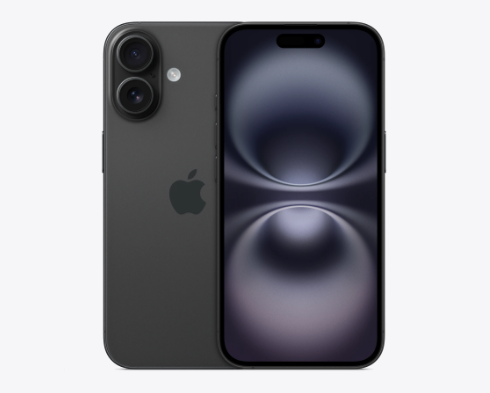
Apple iPhone 16 2024
GBP 288
Was offered a much better price than in the marketplace, or with my phone supplier. I received a higher price for my phone than calculated first, and was paid promptly. Would use again.
March 25, 2026
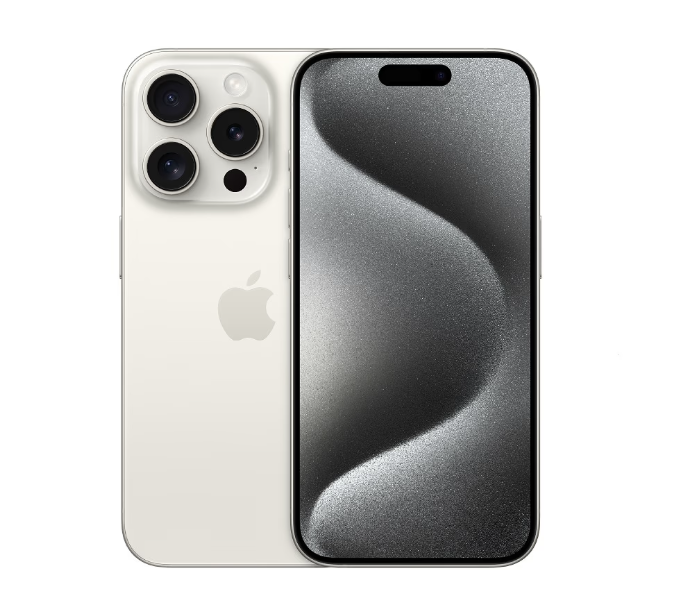
Rosemary Rennie
Apple iPhone 15 Pro
GBP 296
Easy process to follow, decent price given, a fast and efficient company to deal with, no issues here!
March 27, 2026
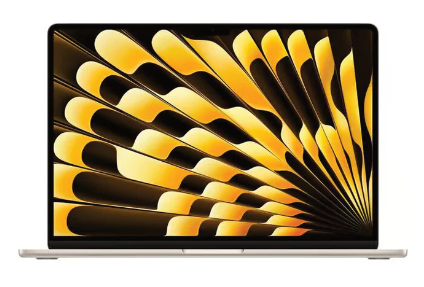
Phil
MacBook Air 2023
GBP 231
Traded in my Samsung A35 and the process was fast and straightforward… had the funds in my account just hours after accepting the quote. Highly recommended for a hassle free experience.
February 19, 2026
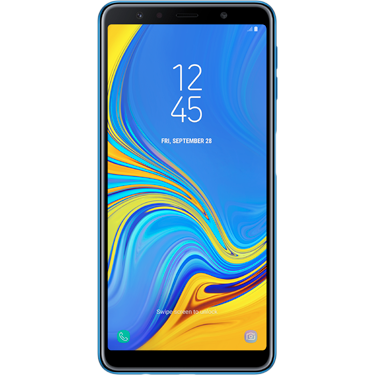
Mrs. Duthie
Samsung Galaxy A35
GBP 78
The whole process was quick and efficient, and more importantly – honest. I was given an evaluation, but when they received the phone they actually paid me more! Rare customer service.
February 19, 2026
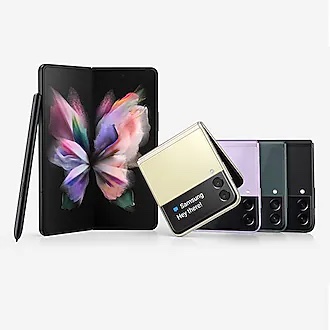
Fiona
Samsung Galaxy Z Fold5
GBP 286
Don't normally do reviews but this deserves one! Traded my Samsung S24 Plus for a Xiaomi 17 Ultra. Collected Saturday, 237 £ in my bank today. Smooth service with updates throughout.
March 25, 2026
Dean Palmer
Samsung S24 Plus
GBP 237
I received a fair price for my iphone and was paid promptly. Would use this company again for my next trade-in.
March 20, 2026
Janice
Apple iPhone 14 Pro
GBP 288
Sold my iPhone 12 Pro to Northladder – great experience! Fast, professional, and well-organised. Clear communication throughout, and the final payment matched the initial quote exactly.
February 3, 2026
Juan Barrero
Apple iPhone 12 Pro
GBP 121


Frequently asked questions
Can’t find the answer you are looking for? Contact Us
Trade-in your device– Enter your bank details for the trade in amount to be transferred.
– Book the pickup by following the instruction shared over the Trade in email.
– As per the pickup schedule the courier partner will pick up your device from home and deliver it to our QC facility for evaluation.
– Once your device is received and appraised, you’ll receive an e-mail notification within 2-3 business days informing you about the final trade-in value.
– Once you accept the trade-in value the amount will be transferred to your account within 2-3 business days.
Activation lock is intended to protect the smartphone so that the contents of the device are not manipulated by others when it is lost or stolen. If the activation lock is on, we will not be able to trade-in your device, so please unlock it as follows.
FOR PHONES:
iPhone: Go to “Settings > Apple ID > Search” and turn off “Find My iPhone”.
Android: Go to “Settings > Account” and tap “Delete account” for the displayed account.
*If multiple accounts have been registered, please “Delete account” for all of them.
FOR SMARTWATCHES:
Apple:
On the iPhone connect to the smartwatch, go to “Settings > Apple ID”, then select your device, and select “Remove from account”
Samsung:
“Settings > Account and Backup > Select account ID > Remove account”
Huawei:
Go to Huawei health app, “Devices > Click on your device ID > Restore Factory Settings > Full Reset”
FOR TABLETS:
iPad:
Go to “Settings > Apple ID > Search” and turn off “Find My iPhone”.
Android:
Go to “Settings > Account” and tap “Delete account” for the displayed account.
To delete data and settings from your device and restore it to factory settings, follow the below process:
For iPhone: Go to “Settings > General > Transfer or Reset iPhone > Erase All Content and Settings”.
For Android: Go to “Settings > System > Advanced Settings > Reset Options > Clear All Data (Factory Reset)”.
SMARTWATCHES:
Apple:
On the iPhone connect to the smartwatch, go to “Settings > Apple ID”, then select your device, and select “Remove from account”
Samsung:
“Settings > Account and Backup > Select account ID > Remove account”
Huawei:
Go to Huawei health app, “Devices > Click on your device ID > Restore Factory Settings > Full Reset”
TABLETS:
iPad:
Go to “Settings > General > Transfer or Reset iPhone > Erase All Content and Settings”.
Android:
Go to “Settings > System > Advanced Settings > Reset Options > Clear All Data (Factory Reset)”.
Android Erasure
High Level (3 Times) – DoD 5220.22-M – Overwrite the data with a value, then with the inverse of that value, then with a random value, verifying the write after each step. The first two wipes theoretically pull the magnetic field fully in one direction, then fully in the other, eliminating any residue of the original value. Data is overwritten in 1st pass with 0’s, 2nd pass with 1’s, and the last pass with random segments for data sanitization.
iOS Erasure
The defaulted Erasure for iOS is Secure Cryptographic Erase. The data on the device is encrypted by default, a new AES-256 encrypted file system is added and the old encryption keys are permanently removed during the erasure process. Once the device Secure Erase is completed we can regain the connection to the device and update the Erasure status. This encrypted file system replacement makes the recovering of old data impossible.
– Tablets
– Smartwatches
– Laptops
– Earphones
– Gaming Consoles
We accept devices that atleast switch on. But we don’t accept devices that are counterfeit or jailbroken.
(Devices that are not unlocked from cloud services and factory reset will not be eligible for Trade in and will be returned)
For mobile phones, tablets, laptops, headphones and gaming consoles, we do not require any accessories. However, for smartwatches, the charger is mandatory.
– Our courier partner will visit as per the scheduled date at your doorstep to pick-up your device.
– Pack your trade-in device as per the instructions provided in the initial trade in remail and keep the device ready.
– After the courier collects your device and it reaches us, we will evaluate it and provide you with the final price.
– You will receive an email with the final trade-in offer and a detailed evaluation report. You can then choose to either accept or reject the offer.
– If you accept the price quote, the amount will be transferred to your bank.
– If you choose to reject the final price offer, your device will be returned and your trade-in order will be cancelled.
Please note below time validity for sending in your device:
You need to send your device to us within 7-10 days of submitting a Trade-in request. If your device is not picked up by our courier partner service within 7-10 days of submitting your Trade-in, the request will expire and you will no longer be eligible to receive Trade-in benefits from NorthLadder.
If you face any challenges in contacting or finding the courier partner for shipping your device, please reach out to support.uk@northladder.com for help.
Please note that, as per the terms of the trade-in program, the order will no longer qualify for cancellation once the order is completed.
The amount will be transferred to the bank account, details for which were provided at the time of placing the trade in order.
If you do not agree with the revised price, you will have the option to reject the offer within a defined window using the link provided in the re-quote email. Once rejected, we will arrange to return your device to you.
If the quoted price aligns with the customer’s self-evaluation, the trade-in will proceed automatically without needing further approval, and the device will not be returned.
After the evaluation is completed, we will email you the evaluation report along with the revised price offer. If you accept the new price, please confirm your acceptance using the link provided in the email. Should you decide not to proceed with the revised offer, you can reject the price quote through the same link, and we will arrange to return.
– For smartwatches, the charger is mandatory and must be included.
– For all other devices, if the item is received with a box or accessories, NorthLadder is not responsible for returning the box or any accessories included.
– Smartwatches will be returned with the charger.
For more details, you can contact NorthLadder at the following email address: support.uk@northladder.com
Support is available Monday to Saturday, 10 am to 10 pm.
You will receive a response within 24-48 hours.